
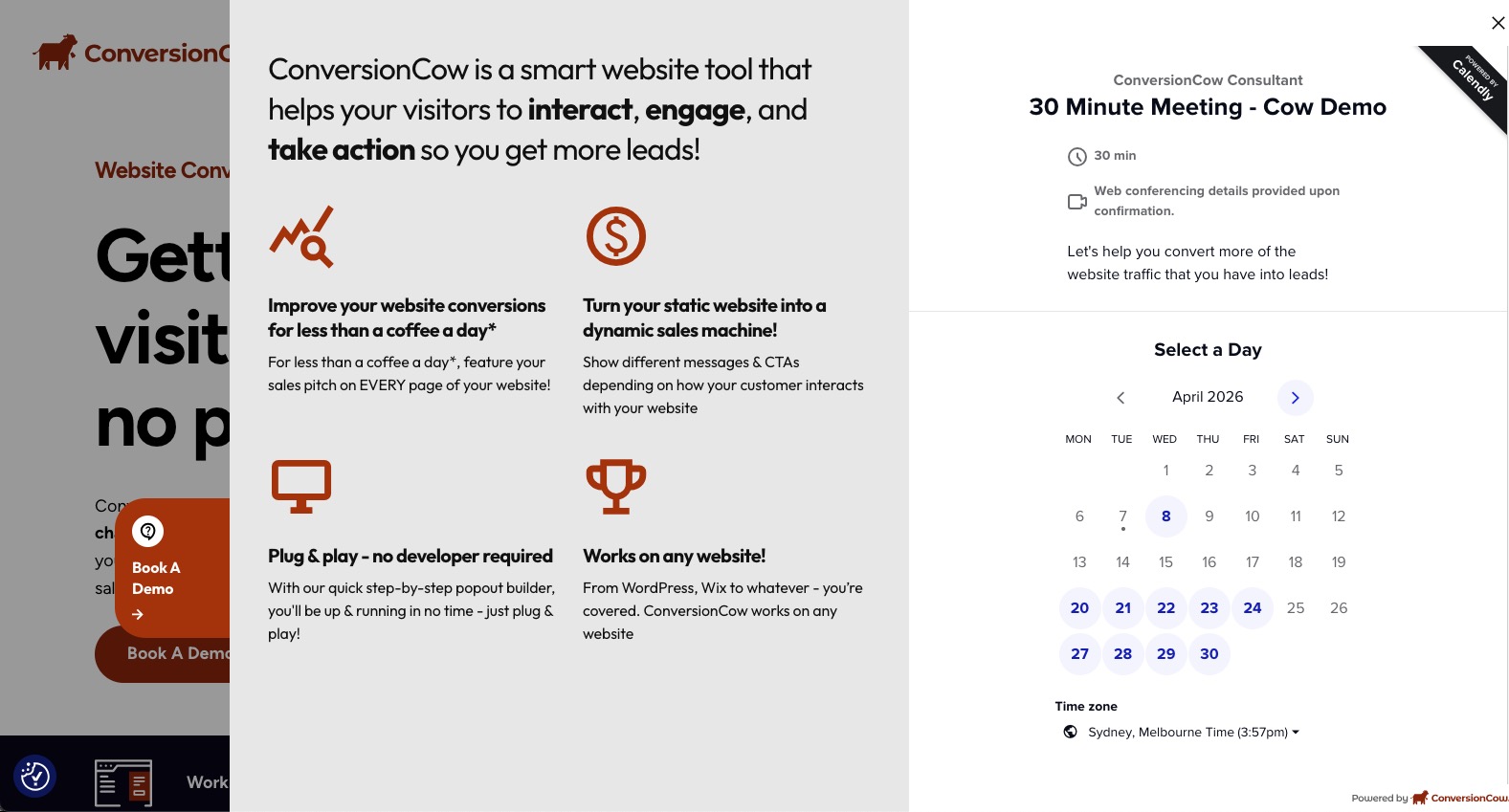
Here are the steps to creating your first ConversionCow account:
STEP 1: Click on this link: https://conversioncow.
STEP 2: Create an account with your email and password
STEP 3: An email verification link will be sent to your account. Click on that link
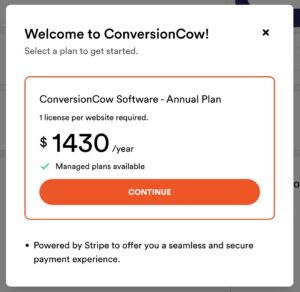
STEP 4: You will first land on the ConversionCow subscription screen. Click on ‘Continue’
Note: Price shown is annual software subscription only. Managed plans selected in the next step and priced separately
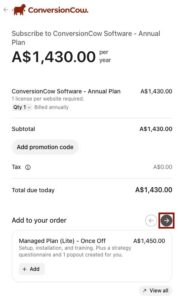
STEP 5: You will be brought to this screen. Click on the right button to find the right plan for you
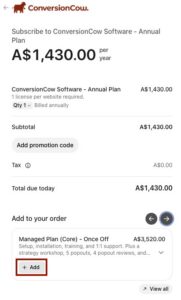
STEP 6: Click on ‘Add’
STEP 7: Add in your email, credit card details, your business name & ABN
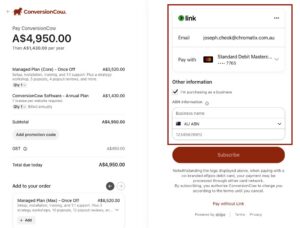
STEP 8: Hit Subscribe and you should receive an invoice automatically in the email registered


